
In LogPoint, a layout template is a structure based on which the appearance of a report is determined. You can create as many layout templates as you want and specify the layout for each report.
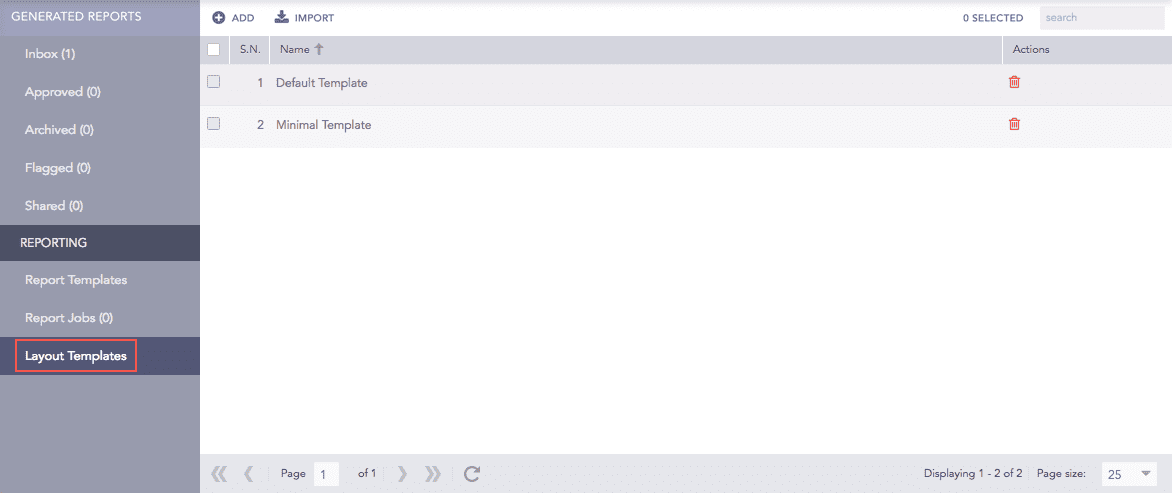
Layout Template
You can either import new layout templates into the system or create a personalized template.
Go to Report >> Layout Templates.
Click Import to open the Import Layout Templates panel.
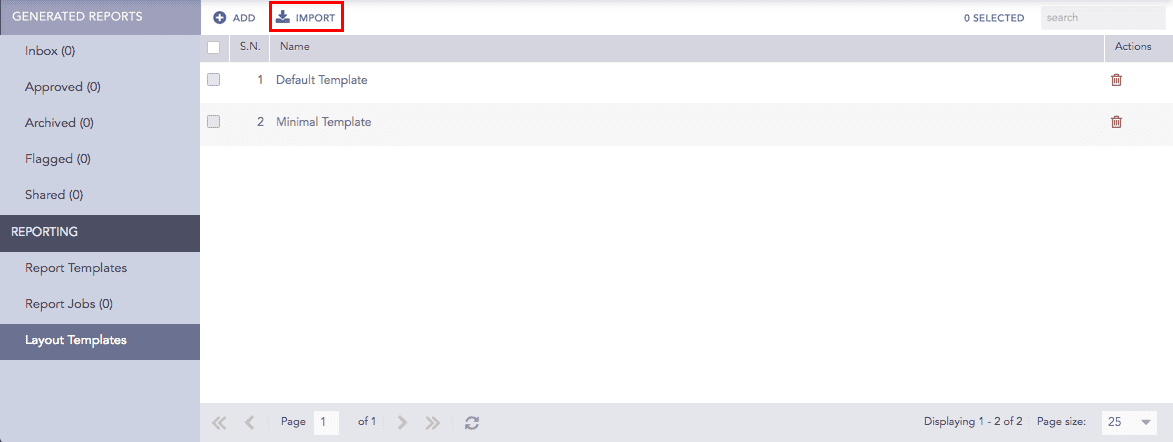
Layout Templates
Browse the desired layout template.
Click Upload.
Go to Report >> Layout Templates.
Click Add.
Report Layout Template
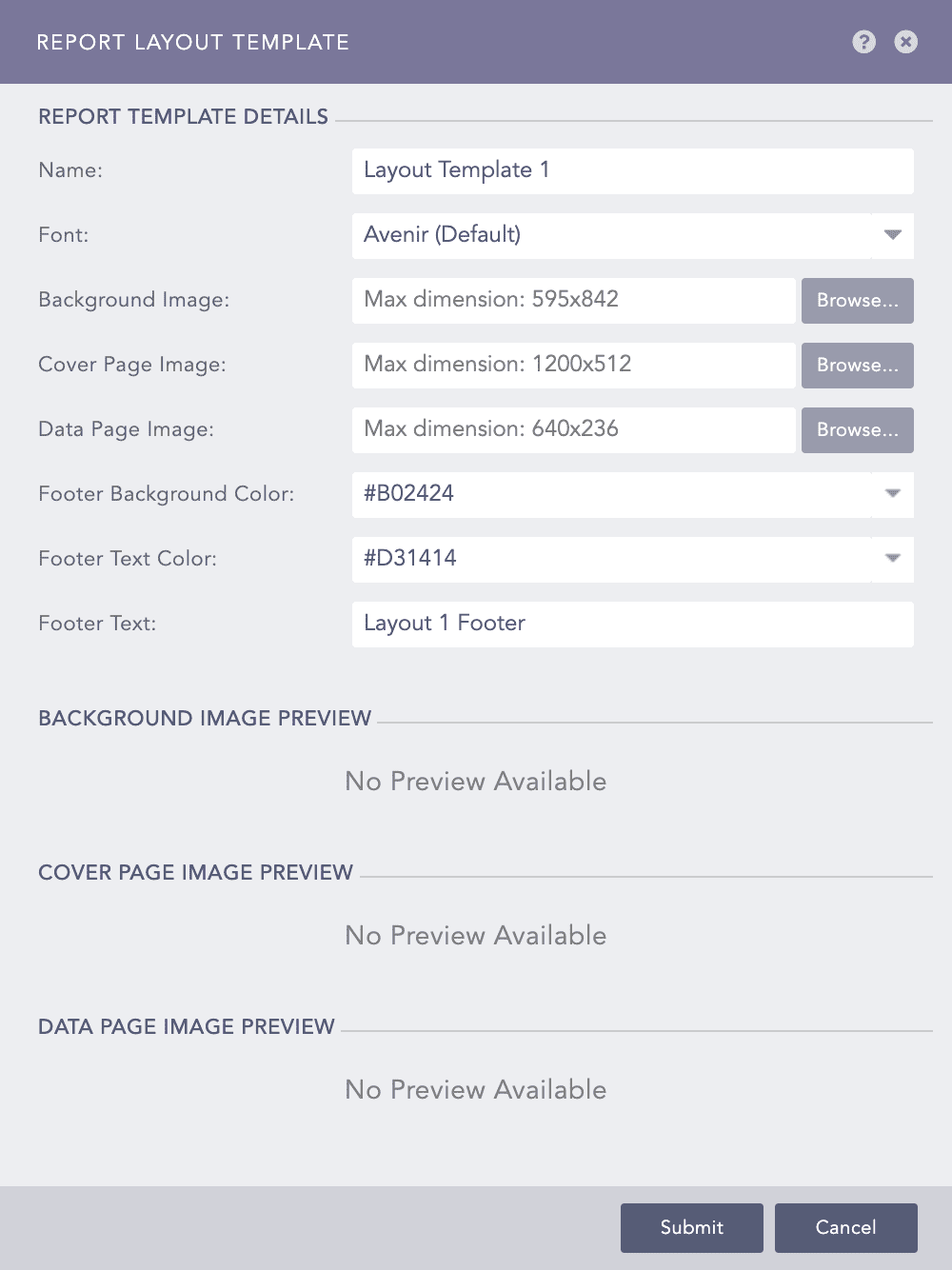
Provide a Name for the template.
Choose a desired Font from the available options.
Note
Choose Noto Sans CJK for the Chinese, Japanese, and Korean scripts.
Upload the Background Image, Cover Page Image and Data Page Image to be displayed in the report.
Note
The Name, Background Image, Cover Page Image, and Data Page Image are mandatory fields.
The maximum width and height allowed for each of the image are given below:
Background image = 595 * 842 pixel (width * height)
Cover Page Image = 300 * 128 pixel (width * height)
Data Page Image = 160 * 59 pixel (width * height)
Choose the Footer Background Color, Footer Text Color, and provide the Footer Text.
Click Submit.